
Download myPDF
On iPhone, iPad, Mac, Android and Windows.
Windows
Requires Windows 10 (version 19045 or later) or Windows 11 on an x64 PC.
Get it from Microsoft Included and Pro
What's Included and What's Pro
Reading, marking up, Fill & Sign, scanning and Photos to PDF come with the app. Pro unlocks the rest with one purchase. No subscription, no account, and there's a trial. Prices vary by country, the App Store shows yours.
Android is on Google Play, with its own purchase.
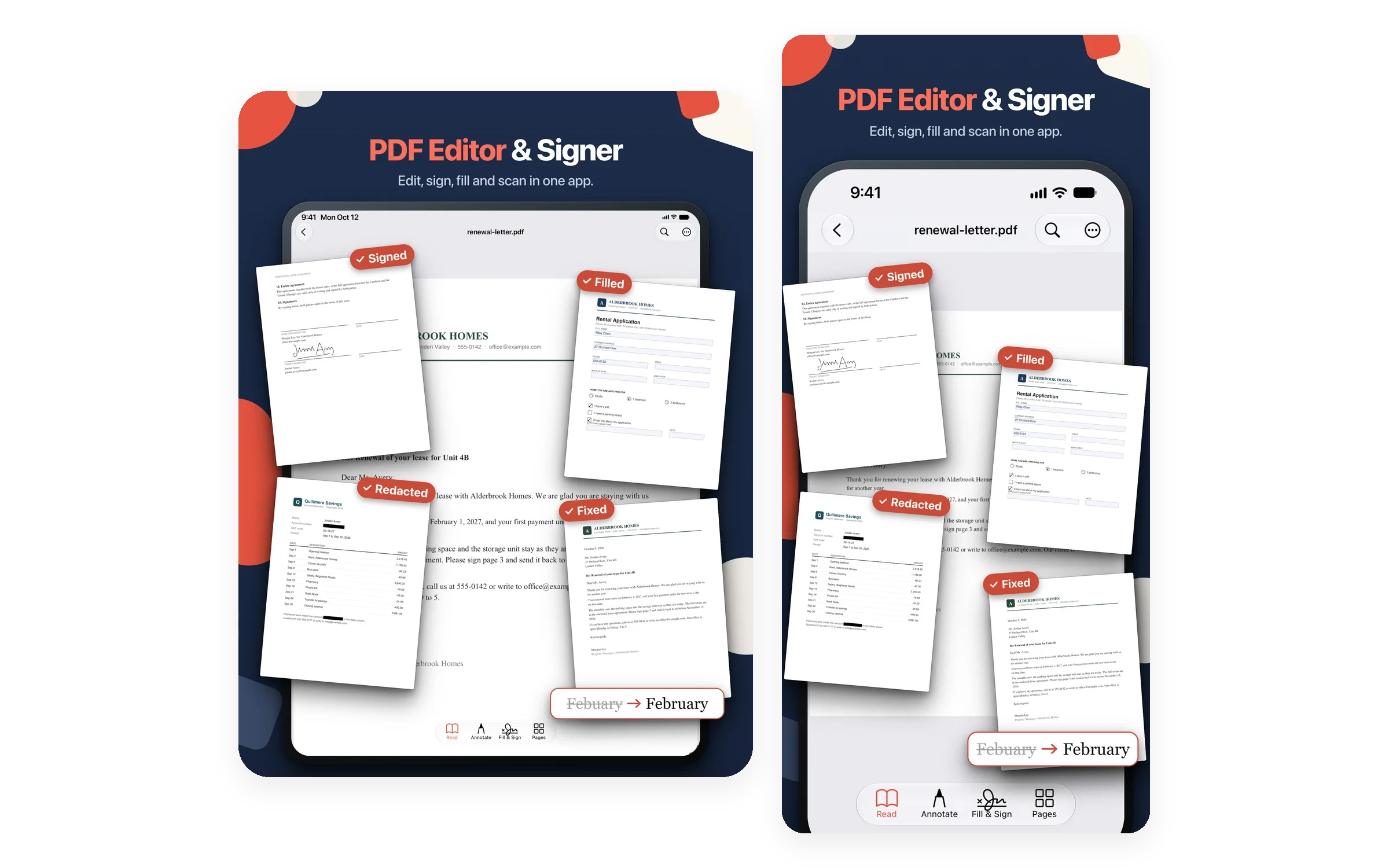
Included 17 features
- Read PDFs with search, table of contents and folders
- Night and Sepia reading modes
- Highlight, underline, strike out, draw, notes and stamps
- Sign: draw your signature or take it from a photo
- Fill PDF forms: text fields, checkboxes and lists
- Add text anywhere
- Scan to PDF with crop, rotate and filters
- Saved signatures, one tap away
- Open password-protected PDFs
- View & read PDFs
- Search within PDF
- Share & Print
- Screen stays on while reading, reopens on the last page
- Dark / Light theme
- Recent files
- Draw with your finger or Apple Pencil
- Photos to PDF (convert photos to PDF)
Pro One purchase, no subscription
Trial Included
One purchase No subscription
Price shown in the App Store, it varies by country - Edit text in the PDF
- Move, resize, replace or add images
- Searchable PDF from scans, shadow cleanup
- Text to PDF
- Word, PowerPoint, Excel and EPUB to PDF
- PDF to Word, PowerPoint, EPUB, text and RTF
- Merge, split and compress
- Reorder, rotate, duplicate, extract and delete pages
- Redact areas or Find & Redact by text
- Password protect, with print and edit limits
- Sanitize: remove metadata, scripts and attachments
- Greyscale copy and remove annotations
- Secure Wallet with Face ID or a PIN
- Links and bookmarks
- Chat with your PDF, answers with the page
- Watermark, and header & footer with page numbers
- No account needed
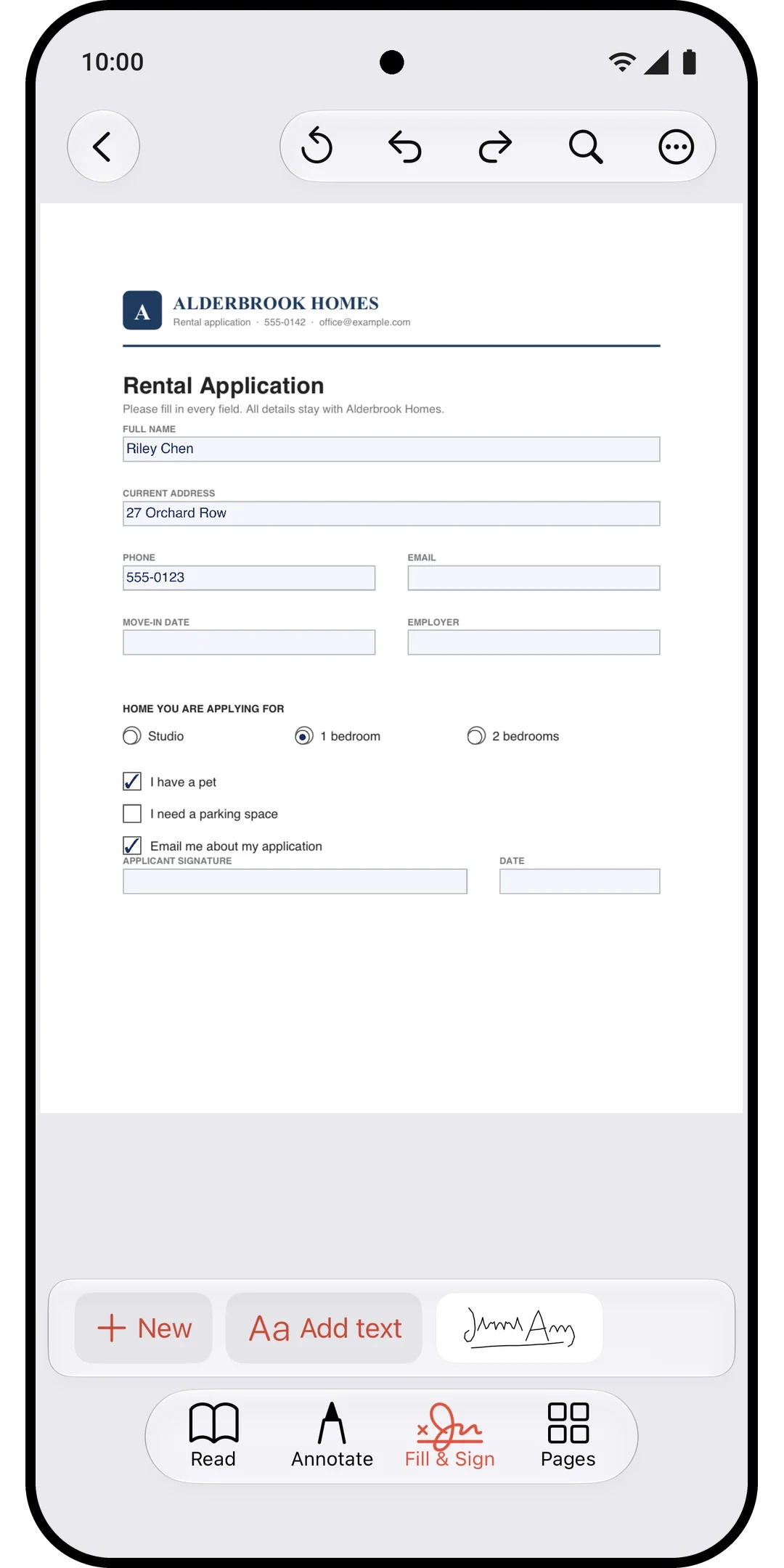
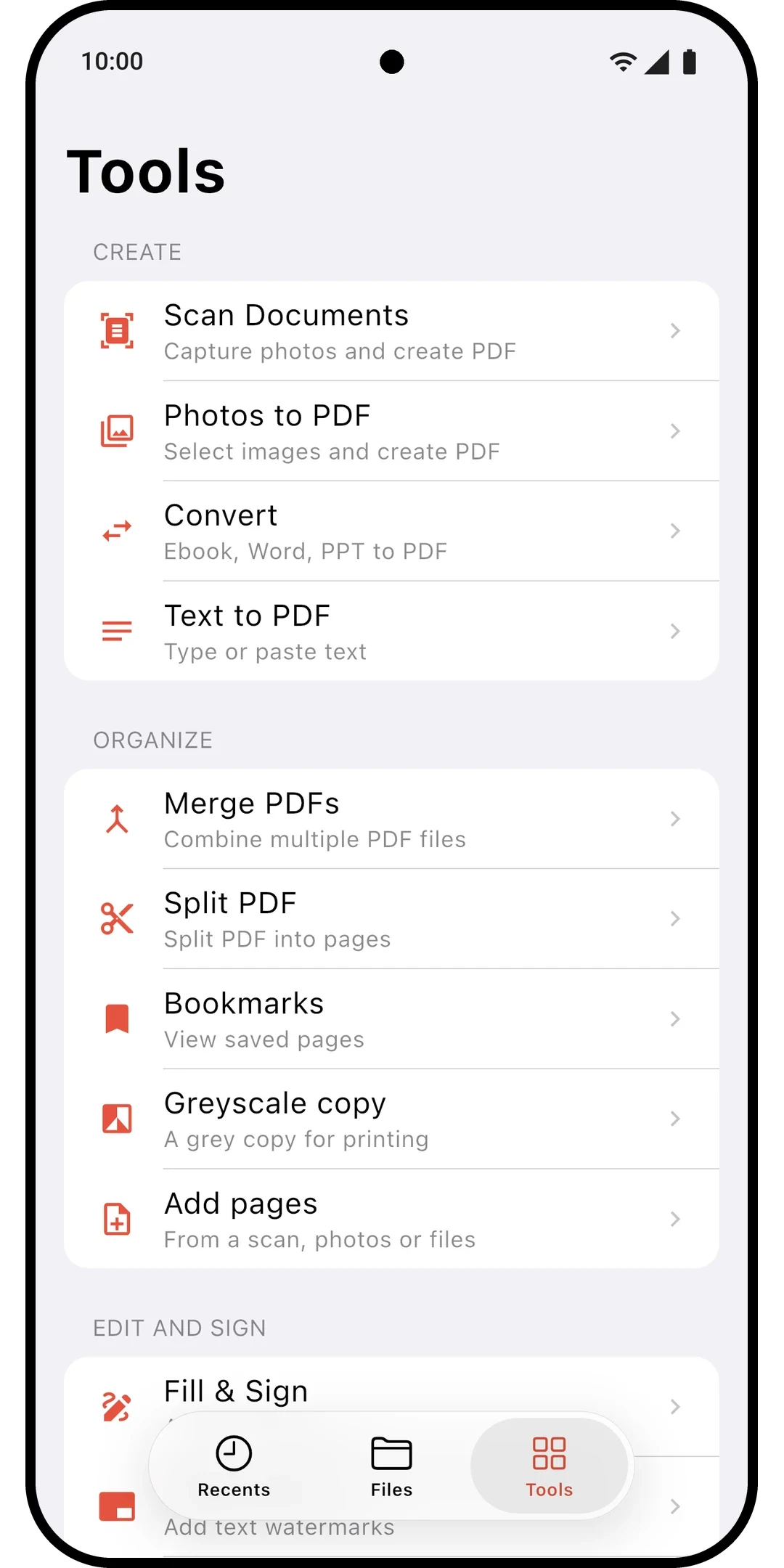
Included 13 features
- Open, browse & organize files
- Scan documents
- OCR text recognition
- Rotate pages
- Convert EPUB to PDF
- Convert DOCX/PPTX to PDF
- Watermark
- Lock / Unlock
- Fill & Sign
- View & read PDFs
- Share & Print
- Export to TXT, RTF
- Dark / Light theme
Pro One purchase, no subscription
Trial Included
One purchase No subscription
Price shown on Google Play, it varies by country - Merge PDFs
- Split PDF
- Compress PDF
- Bookmarks
- Chat with PDF
- Headers & Footers
- Advanced shadow removal
- Redact
- Add photo to page
- Export to DOCX, PPTX, EPUB
- No account needed
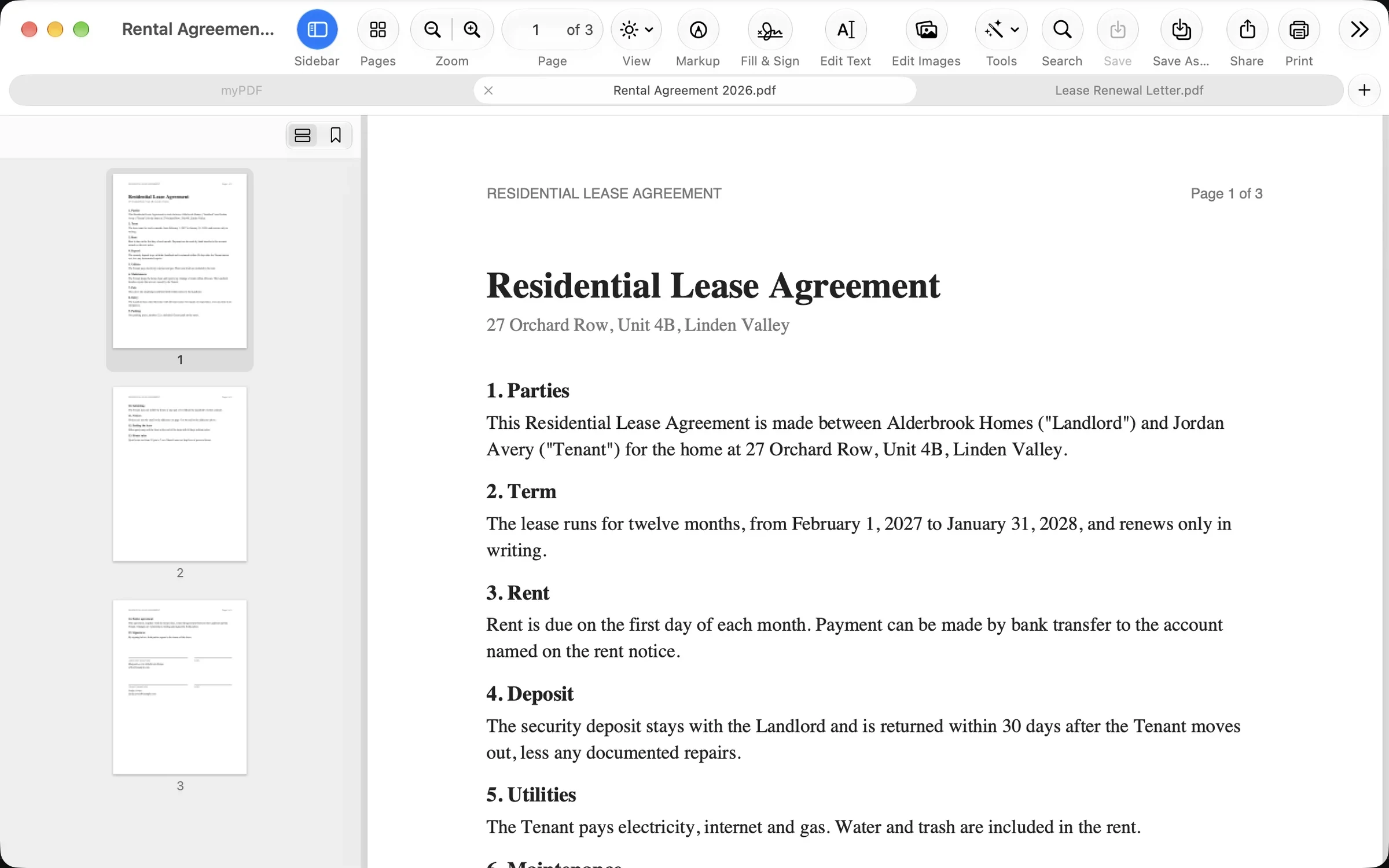
Included 12 features
Reading, Fill & Sign and scanning, plus:
- Scan with your iPhone or iPad (Continuity Camera), then crop, rotate and filter
- Open PDFs from Finder, the Dock or by drag and drop
- Tabs and several windows
- Interactive forms that only show "Please wait..." elsewhere
- Mark up: highlight, underline, draw, notes and stamps
- Full menu bar and keyboard shortcuts
- Fill & Sign with saved signatures, or sketch one on your iPhone
- Print, share and AirDrop
- Check whether a PDF's signatures are still valid
- Spotlight finds PDFs by the words inside them
- Drag a page to Finder as its own PDF
- Reorder, rotate, duplicate and delete pages
Pro One purchase, no subscription
Trial Included
One purchase No subscription
Price shown in the App Store, it varies by country Merge, split, compress, redact and export, plus:
- Merge and split PDFs
- Compress PDF
- Word, PowerPoint, Excel and EPUB to PDF, and PDF to Word
- Edit text in the PDF
- Edit images: move, resize, replace or add a photo
- Sign with a certificate or a USB token
- Compare PDFs with the changes highlighted
- Redact: the text is removed, not just covered
- Chat with your PDF, with page references (needs Apple Intelligence)
- Watermark, header and footer with page numbers
- Secure Wallet with Touch ID or your Mac password
- Drag pages into another open PDF
- No account needed
How myPDF Compares
| Feature | myPDF | Adobe Acrobat | Smallpdf | iLovePDF |
|---|---|---|---|---|
| Try it before paying | Yes | Yes | Yes | Yes |
| How paid features are sold | One purchase (Pro) | Subscription | Subscription | Subscription |
| Scan to PDF | Yes (no Pro needed) | Yes | Yes | Yes |
| Fill & Sign | Yes (no Pro needed) | Yes | Yes | Yes |
| OCR (searchable scans) | Yes (Pro) | Yes | Yes | Yes |
| Merge and compress PDFs | Yes (Pro) | Yes | Yes | Yes |
| Convert Word and other files to and from PDF | Yes (Pro) | Yes | Yes | Yes |
As of October 2026, from each app's App Store listing. The included and Pro marks are for myPDF on iPhone and iPad.
System Requirements
iOS iOS/iPadOS 16.0+ (iPhone & iPad)
Android Android 8.0+ (API 26+)
macOS macOS 13.0+ (Apple silicon)
Got a PDF to Fix?
Edit it, sign it and send it back from your iPhone.
No account required. Pro is one purchase.